What is a Webinar?
Master the Online Stage
It's not just a "meeting," it's a global stage. The subtleties of representing your brand professionally in the digital world.
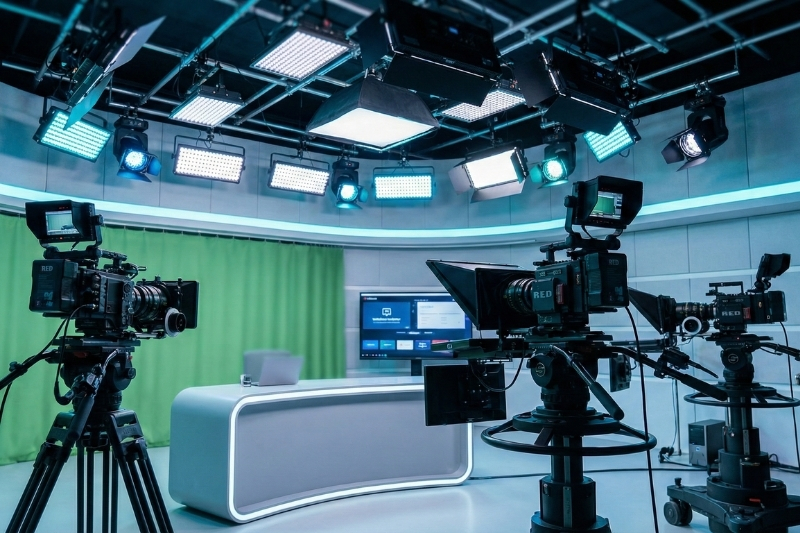
"Remote communication," which entered our lives with the pandemic, is no longer a temporary solution but a permanent business model[cite: 571]. However, there is a major misconception: many brands mistake opening a webcam and speaking over Zoom for a "Webinar"[cite: 572]. In reality, a professional webinar requires the seriousness of a **digital TV broadcast**, from audio quality to lighting arrangements, from production management to interactive setups[cite: 573].
What is a Webinar?
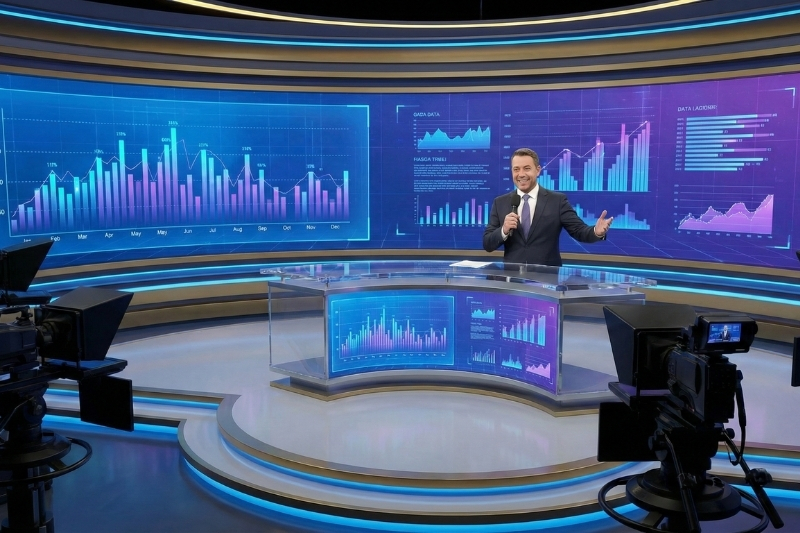
Derived from the combination of the words "Web" and "Seminar," a Webinar refers to interactive seminars held over the internet where speakers and participants (regardless of location) come together[cite: 576, 577].
It is the most cost-effective solution for training, product introductions, annual company meetings, or panels[cite: 578]. You can address thousands of people simultaneously without renting a physical hall.
Home Zoom vs. Professional Webinar
Visual Quality
Professional 4K cameras and proper lighting are used instead of a standard webcam[cite: 581]. Your face won't remain in shadows, and the image won't become pixelated.
Audio Engineering
The question "Can you hear me?" becomes history[cite: 583]. Crystal-clear audio transmission is ensured with lavalier microphones and digital mixers.
Greenbox & Virtual Set
Instead of a cluttered home office, you present in a virtual studio specifically designed for your brand or on a 3D stage[cite: 585].
Production & Lower Thirds
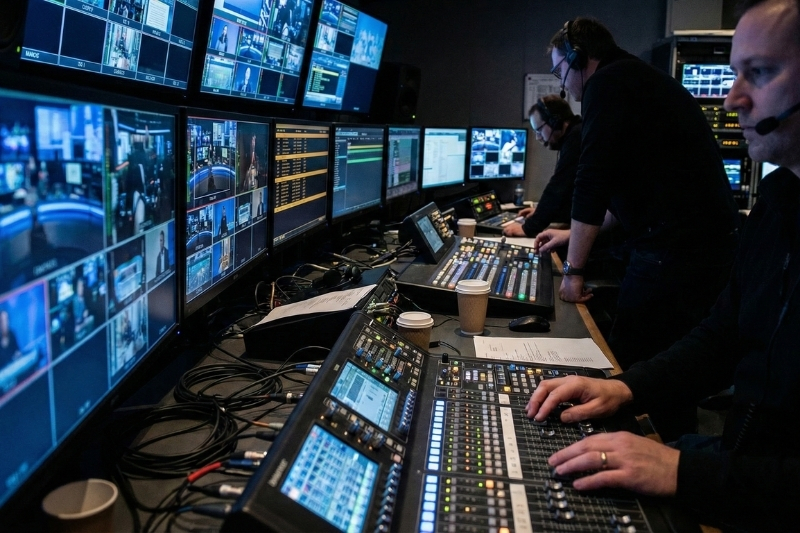
Titles (Lower Thirds), presentation mirroring, video transitions, and screen splitting are managed by a professional production team[cite: 586].
Are You Ready to Broadcast? Checklist
- ✓Redundant Internet (Metro Ethernet): Global broadcasts cannot be conducted with home internet[cite: 591]. Professional infrastructure and backups are essential for an uninterrupted stream.
- ✓Interactivity Planning: Don't just talk, listen[cite: 593]. Keep the audience engaged with Polls, Q&A sessions, and gamification.
- ✓Rehearsal: Rehearse the broadcast flow minute by minute[cite: 595]. Who will speak when? Which video will play at what time? Leave no room for surprises.
- ✓Recording and Sharing: Record the broadcast for those who missed the live event and share it later via social media or YouTube[cite: 596].
The Stage is Not Just Physical.
Let's Start Your Digital Broadcast.
Let's transform your webinar into a TV show with our Greenbox studios, professional production team, and state-of-the-art equipment[cite: 599].